
Virtual Private Server (VPS) hosting is a type of web hosting where a physical server is divided into multiple virtual servers. Each virtual server operates independently, with its own operating system, resources, and configurations. VPS hosting sits between shared hosting and dedicated hosting in terms of control, performance, and cost. It provides more control and security than shared hosting, while being more cost-effective than a dedicated server.
Understanding VPS hosting helps businesses, developers, and website owners choose the right hosting solution for their needs. It allows better management of resources, handling traffic spikes, and running software that requires specific configurations.
How VPS Hosting Works
A VPS is created using virtualization technology, which partitions a physical server into isolated virtual servers. Each VPS has allocated resources such as CPU, RAM, storage, and bandwidth. These resources are dedicated, meaning other VPS users on the same physical server do not affect your server performance.
VPS hosting offers root access or administrative access, allowing you to install software, configure settings, and manage server performance. You can also use a control panel like cPanel or Plesk to simplify server management. VPS hosting can use different operating systems, most commonly Linux and Windows, depending on the applications you plan to run.
Virtualization Types
VPS hosting uses several types of virtualization technology:
KVM (Kernel-based Virtual Machine): Offers complete isolation and is suitable for applications requiring full control.
OpenVZ: Shares the same kernel across virtual servers but isolates file systems and processes.
VMware: Common in enterprise-level VPS hosting for reliable resource management.
Hyper-V: A Microsoft solution for Windows-based VPS hosting.
Understanding virtualization helps you select a VPS that matches your performance and management needs.
VPS Hosting vs Shared Hosting
Shared hosting is where multiple websites share the same server and resources. VPS hosting provides dedicated resources, meaning your website performance is not affected by other websites.
Feature Shared Hosting VPS Hosting
Resources Shared Dedicated
Control Limited Full root access
Security Basic Isolated environment
Scalability Limited Flexible
Cost Lower Moderate
VPS hosting is suitable for growing websites, e-commerce stores, and applications that require consistent performance.
VPS Hosting vs Dedicated Hosting
Dedicated hosting provides an entire server for your website. VPS hosting offers a similar level of control but shares the physical server with other VPS users.
Feature VPS Hosting Dedicated Hosting
Server Access Full root access Full server control
Resources Allocated Entire server
Cost Moderate Higher
Performance Consistent High
Scalability Flexible Less flexible without upgrades
VPS hosting is often preferred when the website needs more resources than shared hosting but does not justify the cost of a dedicated server.
Benefits of VPS Hosting
Resource Allocation: You get dedicated CPU, RAM, and storage, ensuring consistent performance.
Control: Root access allows installation of custom software and configurations.
Scalability: Easily upgrade resources as your website traffic grows.
Security: VPS isolation enhances security compared to shared hosting.
Cost Efficiency: More affordable than a dedicated server while offering similar control.
These benefits make VPS hosting suitable for small to medium businesses, developers, and online applications.
Types of VPS Hosting
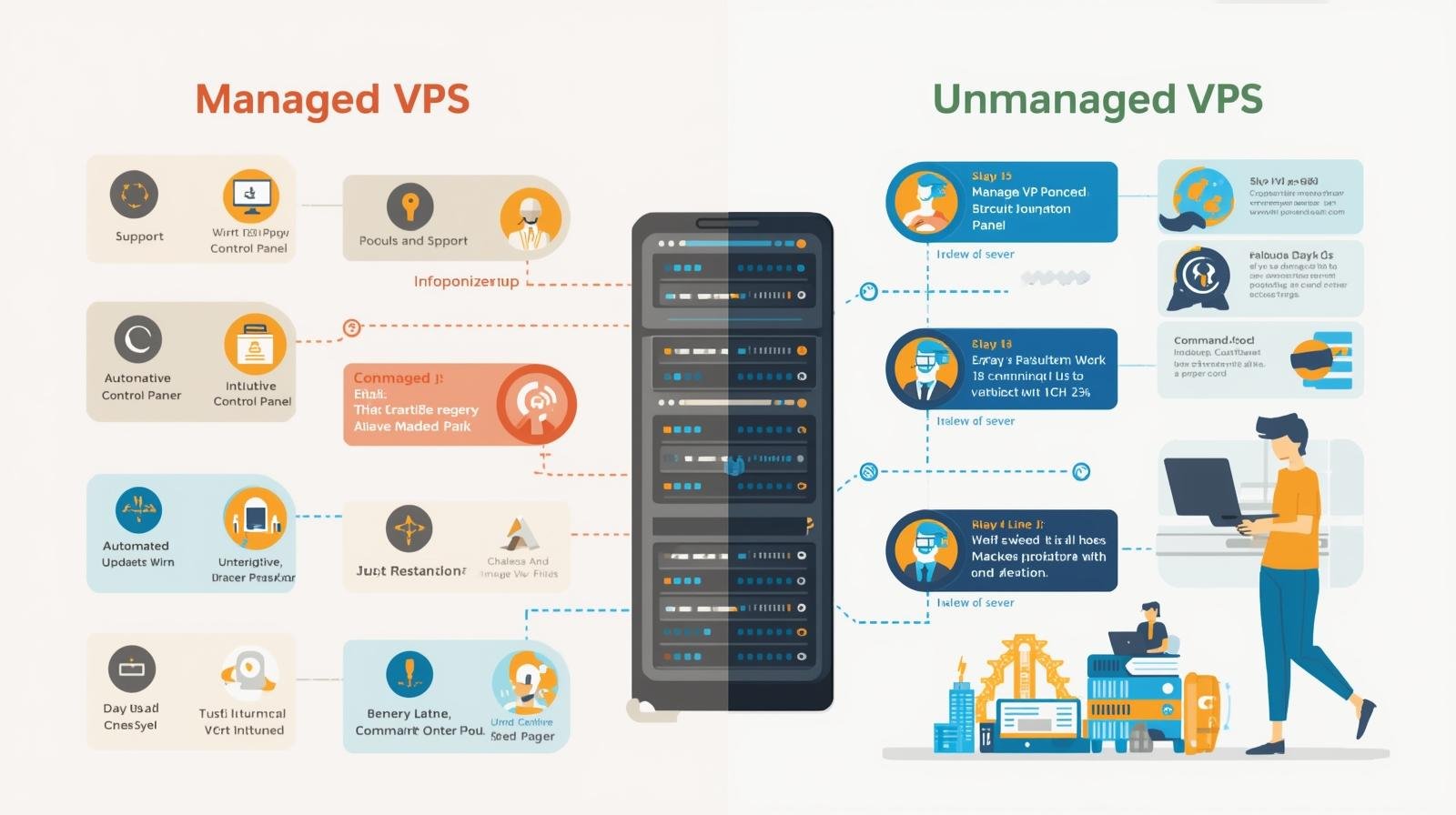
Managed VPS Hosting: The hosting provider handles server management, updates, security, and monitoring. Ideal for users with limited server knowledge.
Unmanaged VPS Hosting: The user manages the server entirely, from software installation to updates. Suitable for developers or businesses with IT expertise.
Cloud VPS Hosting: Uses cloud infrastructure to provide flexible, scalable VPS resources. Can handle sudden traffic spikes efficiently.
Choosing the right VPS type depends on your technical skills, budget, and website needs.
VPS Hosting for Different Use Cases
Websites: High-traffic websites benefit from consistent performance.
Applications: Run custom applications with specific configurations.
E-commerce: Secure transactions with isolated server resources.
Game Servers: Hosting multiplayer games with low latency.
Development Environments: Test software in a controlled server environment.
Understanding the use case helps optimize VPS performance and resource allocation.
Choosing the Right VPS Hosting Plan
When selecting a VPS hosting plan, consider the following:
CPU Cores: Determines processing power for applications and websites.
RAM: Influences speed and performance, especially for dynamic websites.
Storage Type: SSD storage provides faster read/write speeds than HDD.
Bandwidth: Ensure enough data transfer capacity for your traffic needs.
Operating System: Linux is commonly used for websites, Windows for specific applications.
Support and Management: Managed VPS is recommended if you lack server expertise.
Uptime Guarantee: Look for providers with at least 99.9% uptime.
Comparing plans based on these criteria ensures you choose a VPS that meets your website or application requirements.
VPS Hosting Setup
Step 1: Choose a VPS Provider
Select a provider that offers flexible resources, strong support, and reliable uptime. Compare plans based on CPU, RAM, storage, and cost.
Step 2: Select an Operating System
Pick Linux or Windows based on your software needs and familiarity.
Step 3: Configure the VPS
Allocate resources, set up security features, and choose a control panel if needed.
Step 4: Install Software
Install web server software such as Apache or Nginx, databases like MySQL or PostgreSQL, and programming environments required for your applications.
Step 5: Secure the VPS
Set up firewalls, SSH key authentication, and regular backups. Keep the server updated with security patches.
Step 6: Deploy Website or Application
Upload website files, configure domain settings, and test server performance to ensure smooth operation.
VPS Hosting Security
Security is critical in VPS hosting. Key practices include:
Using firewalls to block unauthorized access.
Regularly updating software to patch vulnerabilities.
Configuring strong passwords and using SSH keys.
Isolating applications to prevent cross-site contamination.
Monitoring server logs for suspicious activity.
Following these steps helps protect your server and data.
VPS Hosting Performance Optimization
To maintain optimal performance:
Monitor server resource usage regularly.
Optimize databases and website files.
Use caching techniques to reduce server load.
Minimize background processes on the server.
Choose SSD storage for faster file access.
Performance tuning ensures smooth operation and better user experience.
VPS Hosting Backups
Backups are essential to protect data. Key strategies include:
Scheduling automatic backups.
Storing backups offsite or in the cloud.
Testing backup restoration to ensure reliability.
Consistent backup practices minimize data loss and downtime.
VPS Hosting Troubleshooting
Common VPS issues include:
High CPU or RAM usage: Identify resource-intensive processes.
Disk space shortages: Clear unnecessary files or increase storage.
Network issues: Check firewall and network configurations.
Application errors: Review logs and ensure proper software installation.
Effective troubleshooting reduces downtime and maintains server stability.
VPS Hosting Providers
Some popular VPS providers include:
DigitalOcean: Offers cloud VPS with scalable resources.
Linode: Focused on developers with flexible plans.
Vultr: Provides SSD-based cloud VPS globally.
AWS EC2: Cloud VPS with enterprise-grade performance.
Hetzner: Affordable VPS with European data centers.
Choosing a provider depends on budget, location, support, and feature requirements.